

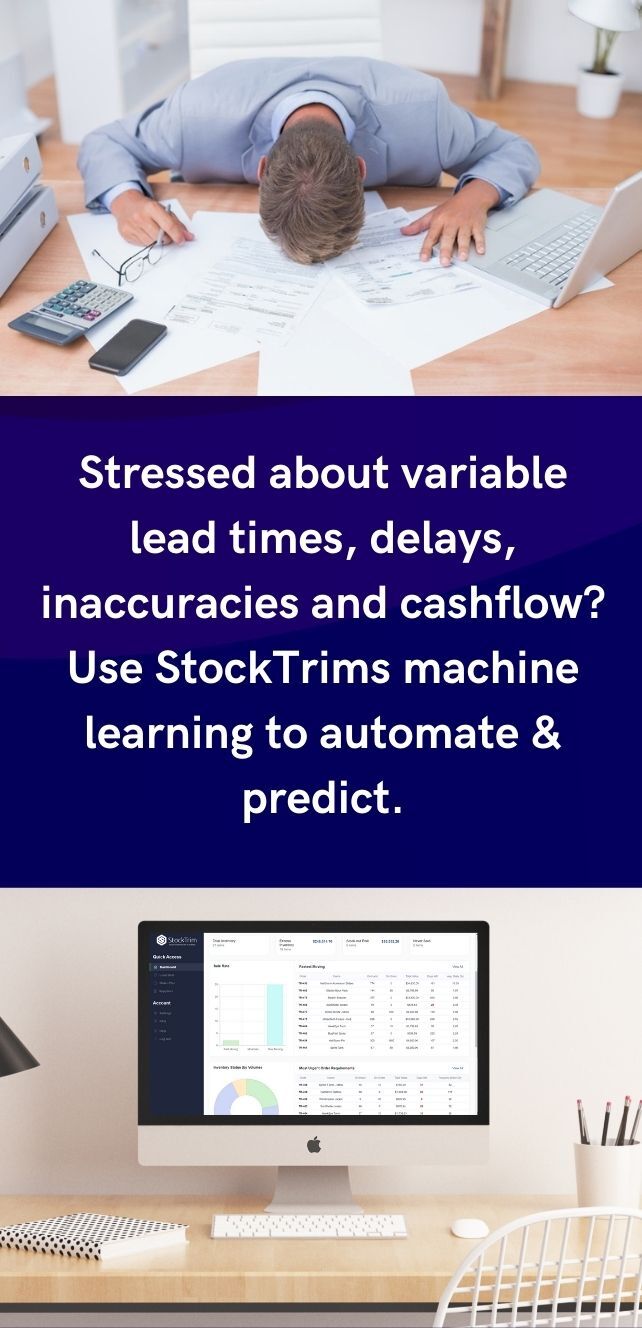
Scaling an ecommerce brand means moving beyond gut-feel purchasing and manual spreadsheets. StockTrim is an AI-powered inventory forecasting and demand planning platform built to help Shopify and multi-channel merchants eliminate stockouts and reduce excess inventory.
Below is a complete overview of what StockTrim does, how it connects to Shopify, and how to configure it if you use an ERP.
What Does StockTrim Do for Shopify and Ecommerce Businesses?
StockTrim acts as a predictive intelligence layer on top of your ecommerce store to automate demand forecasting and supplier replenishment. Rather than replacing Shopify, it enhances your existing setup with enterprise-grade supply chain tools:
- AI Demand Forecasting: Analyzes up to 24 months of historical sales velocity, seasonal trends, and supplier lead times to predict future customer demand. See how it works on our features page.
- SKU-Variant & Location Precision: Calculates independent forecasts for every product variant (such as size and color) across multiple warehouses or retail locations.
- Automated Purchase Orders: Determines optimal reorder points and generates ready-to-send purchase orders that automatically account for minimum order quantities (MOQs) and carton/container sizes.
How Do Shopify Stores Connect to StockTrim?
Shopify stores connect to StockTrim via a direct, native app integration that requires zero custom coding.
How do I install the StockTrim app?
Merchants simply install the StockTrim app from the Shopify App Store and authorize the connection using their Shopify credentials. If you're not already logged in, sign in to your Shopify store first.
What data does StockTrim import from Shopify?
Once linked, StockTrim automatically imports:
- Your product catalog and variants
- Stock on hand
- Locations
- Historical sales orders
How often does StockTrim sync with Shopify?
Ongoing automated syncs keep your forecasts updated daily and can push updated inventory figures back to Shopify.
Should You Connect Your ERP or Shopify Store to StockTrim?
If your business uses both an ERP (or Inventory Management System) and Shopify, you should connect your ERP to StockTrim, not your Shopify store.
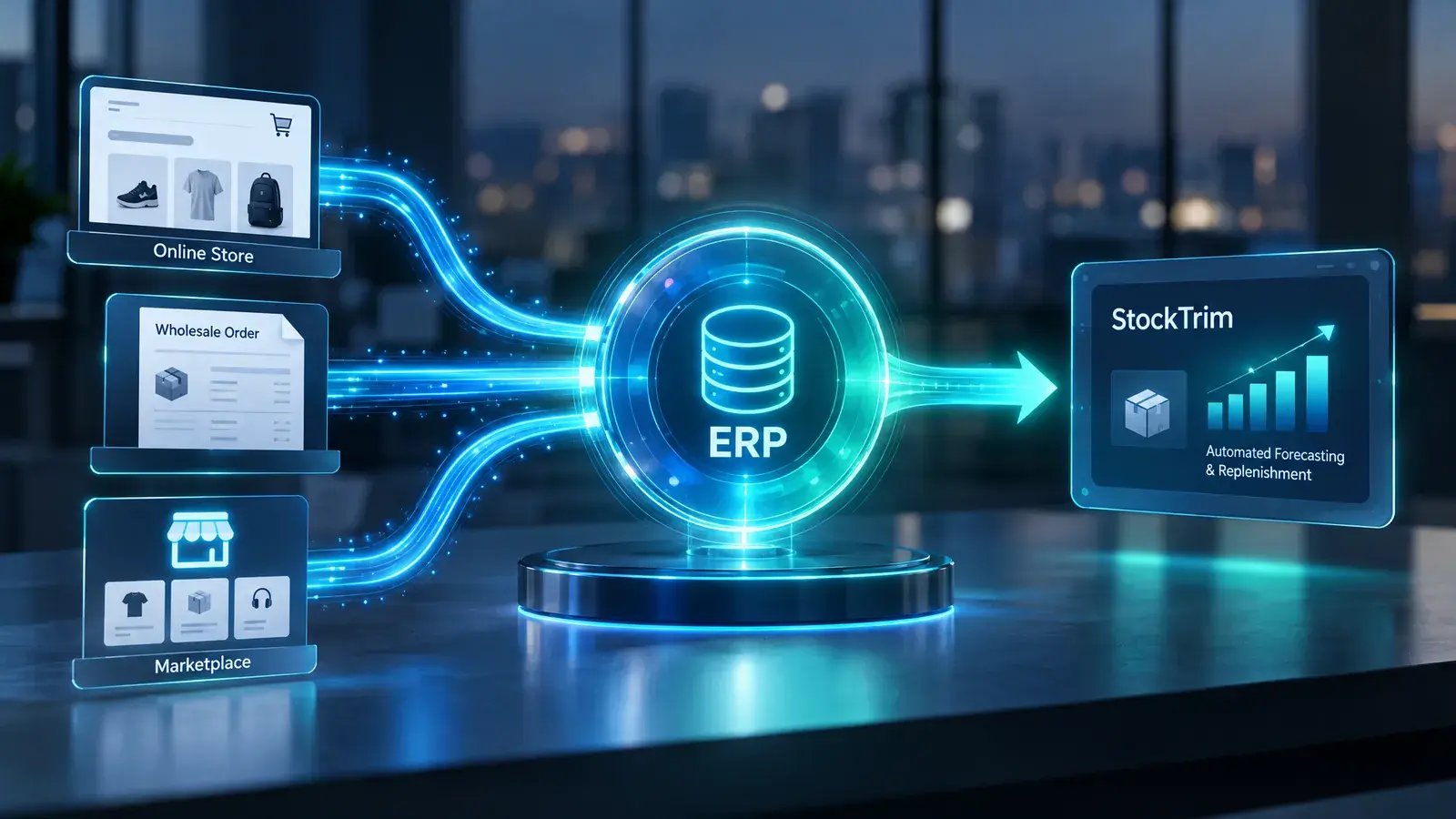
In a multi-channel setup using systems like NetSuite, Cin7, Unleashed, Odoo, or Acumatica, your ERP serves as the single source of truth for stock movements and warehousing. You can check the full list on our integrations page.

Why connect StockTrim to your ERP instead of Shopify?
Connecting StockTrim directly to your ERP ensures:
- Clean, Consolidated Data: You capture sales demand from Shopify alongside wholesale, B2B, and other marketplaces in one unified stream.
- No Duplicate Counts: Avoiding a direct Shopify link prevents conflicting stock numbers or double-counted SKUs.
What is StockTrim's Rating on the Shopify App Store?
StockTrim holds a 5.0 out of 5-star rating on the Shopify App Store.
Where are most StockTrim reviews?
Because most growing, multi-channel brands integrate StockTrim directly with their central ERP or Inventory Management System rather than a standalone ecommerce storefront, the majority of StockTrim's verified customer reviews are hosted on broader B2B software platforms like Capterra and GetApp, where it maintains a 4.9 out of 5-star rating.



Ready to Try StockTrim?
Connect your Shopify store or ERP and get your first forecast with a free trial. Want to talk it through first? Book a demo, or check plans on our pricing page.